
Holy Bible - KJV Study
Whatsticker Apps S.R.L.
Read the scriptures at your pace with full audio narration, classic commentary, and your own highlights and notes.

Free trial · Offers in-app purchases

EVERYONE
In-App Purchases
Screenshots
Description
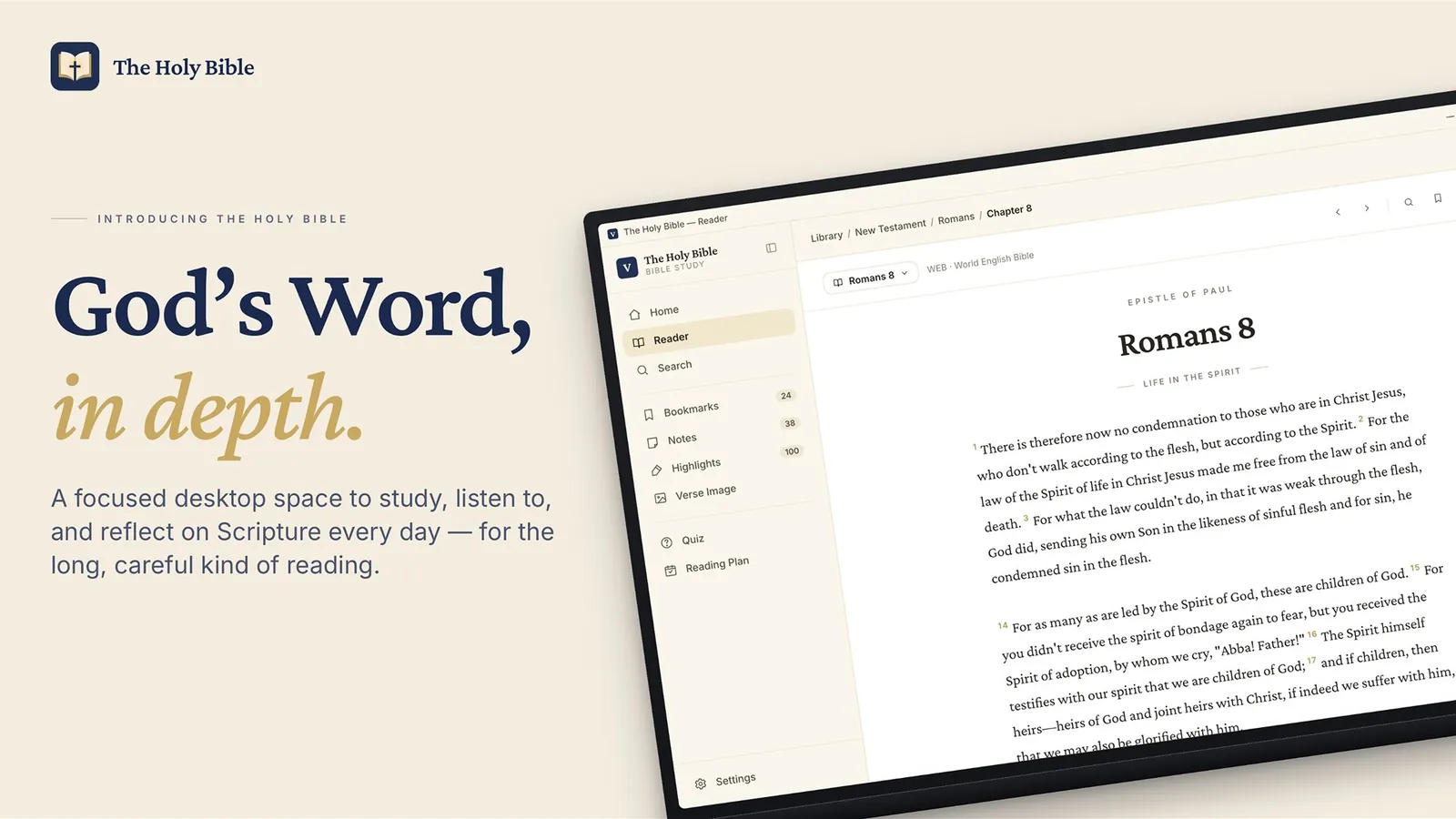
Open your Bible. Read it, listen to it, and keep what speaks to you.
A calm reading surface, classic commentary, daily devotional, and reading plans, all in one place.
How it works:
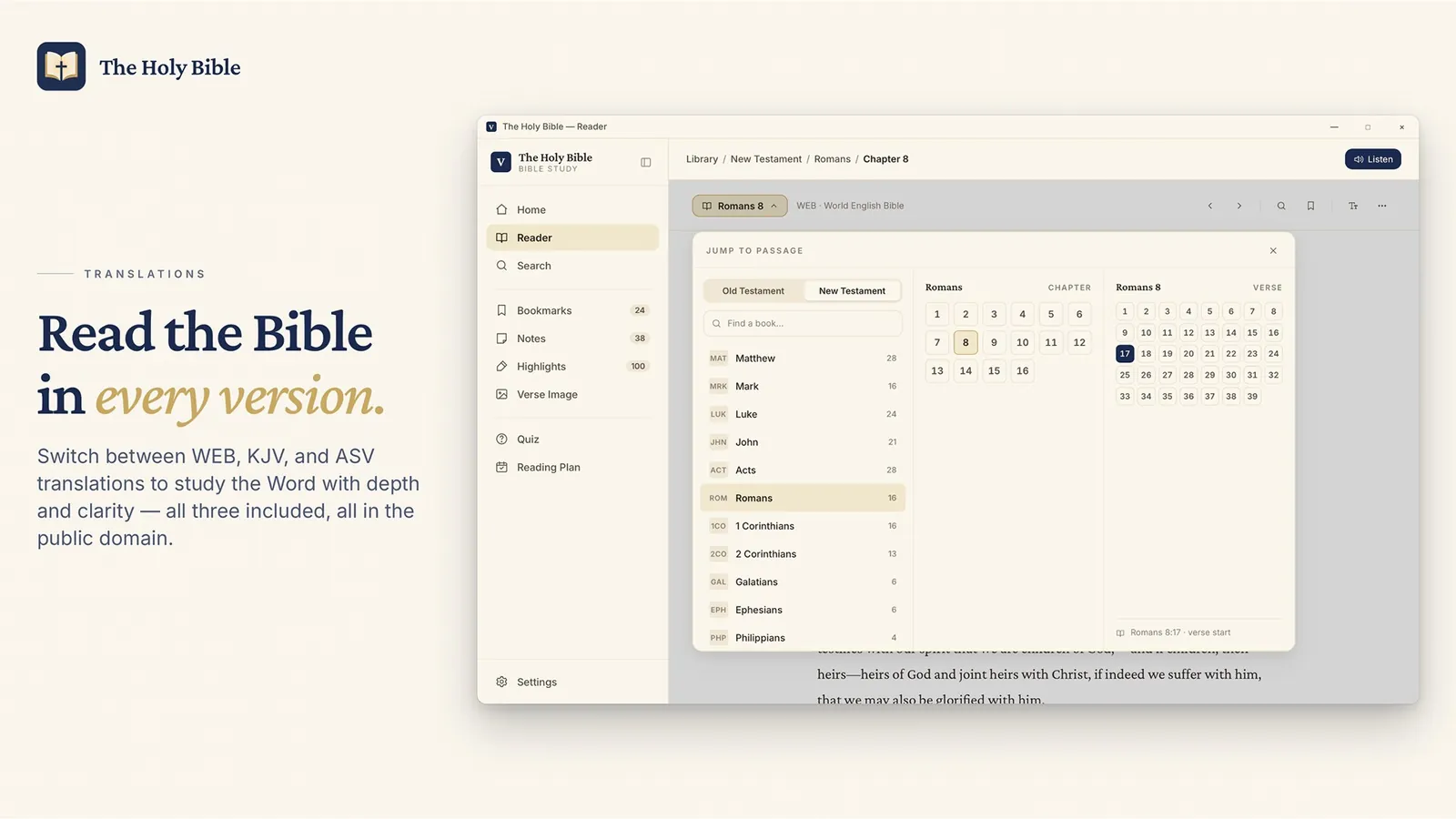
- Choose your translation from the included library
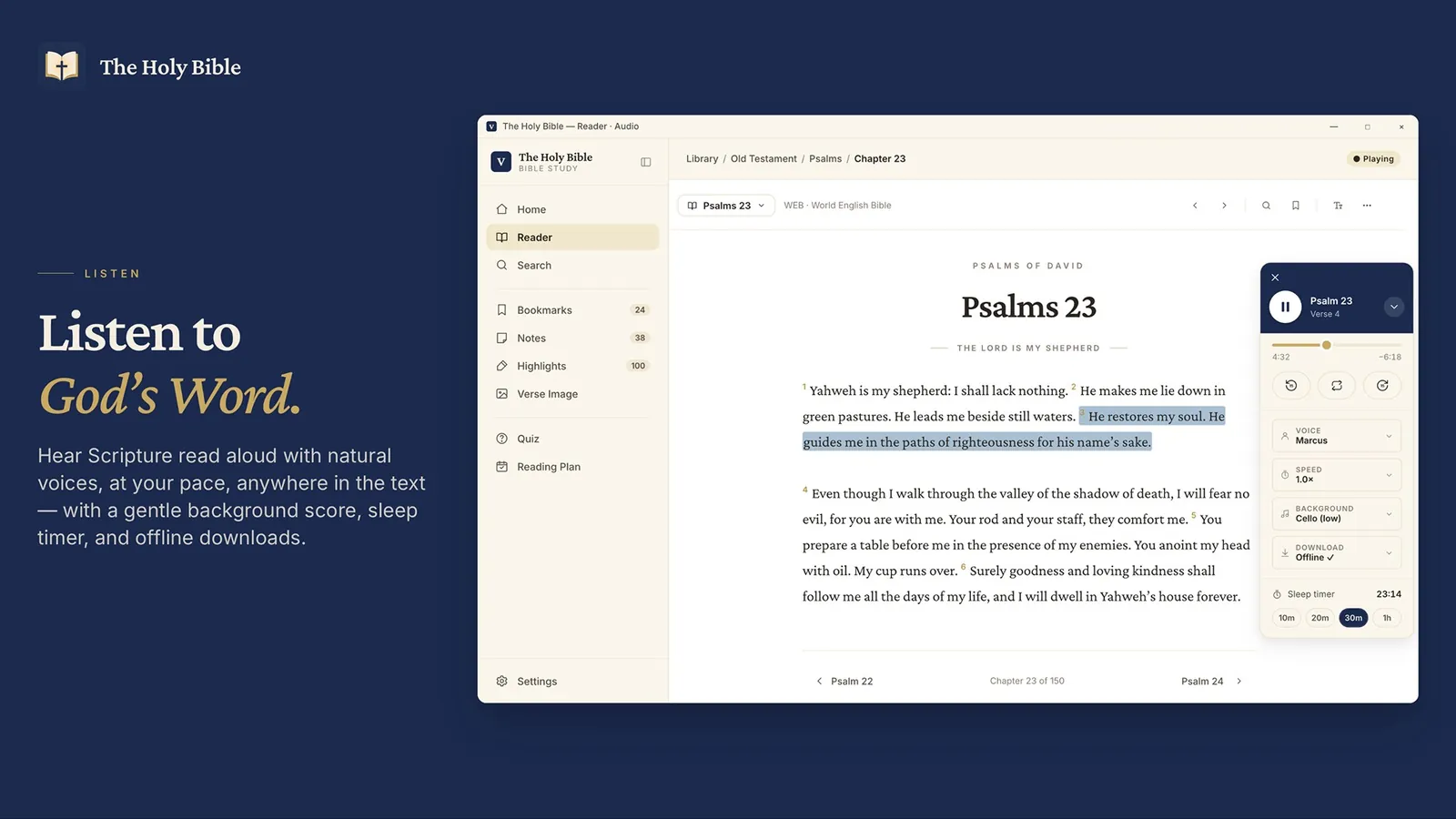
- Read or listen with voice and pace controls
- Highlight verses, add notes, save bookmarks
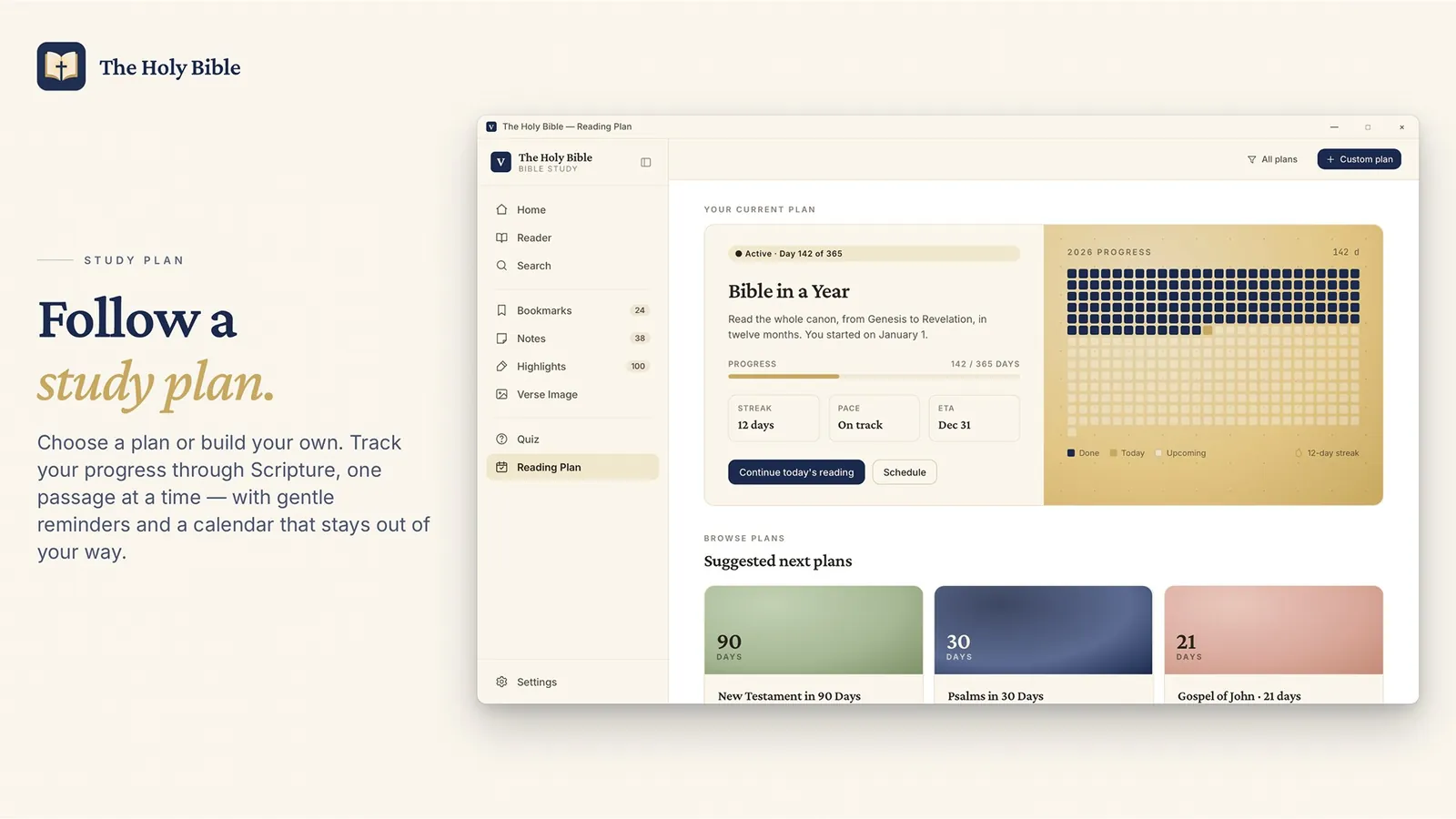
- Track your progress with a reading plan
What you get:
- The full canon, multiple translations included
- Classic public-domain commentary on every passage
- Daily devotional and verse of the day
- Audio narration with optional background music and a sleep timer
- Highlights in multiple colors, unlimited bookmarks, freeform notes
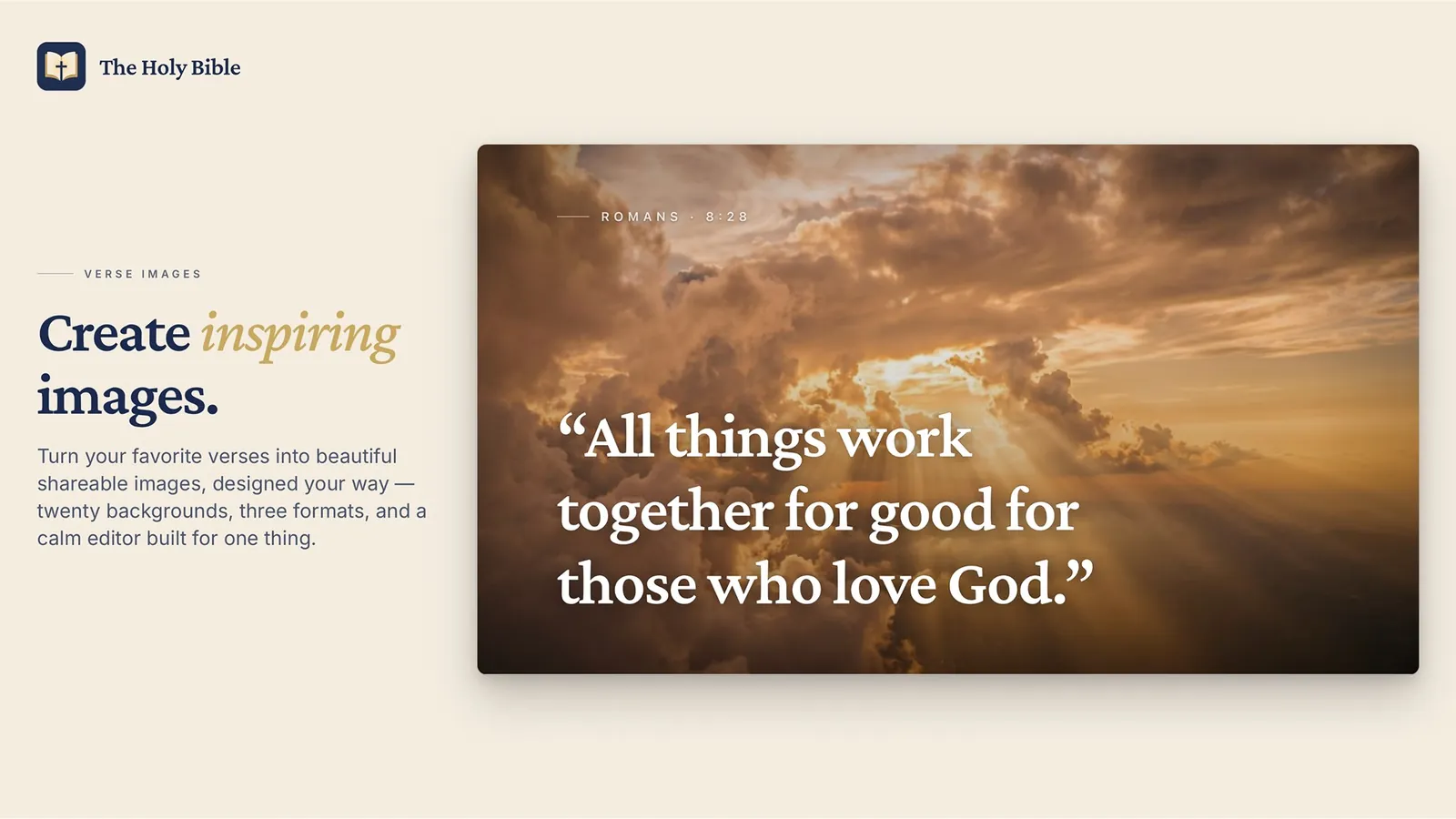
- Verse images you can share
- Quizzes drawn from the passages you have highlighted
- Reading plans from short studies to the whole Bible in a year
- Full multilanguage support
Get full access:
- Listen to scripture in any voice, at any pace
- Color-code your reading and create unlimited verse images to share.
- Open every commentary, take every quiz, follow every reading plan.
Subscribe to access premium app features; subscription details:
- Payment will be charged to your Microsoft account at confirmation of purchase.
- Subscription automatically renews unless auto-renew is turned off at least 24 hours before the end of the current period.
- The account will be charged for renewal within 24 hours prior to the end of the current period.
- Subscriptions may be managed by the user and auto-renewal may be turned off by going to the user's Microsoft account settings after purchase.
- Available plans: monthly and yearly.
System requirements
- OS
- Windows 10 version 17763.0 or higher, Windows 11
- Architecture
- x64
- Download size
- About 172 MB
- Installation
- Sign in with your Microsoft account and install on up to ten Windows devices.
- Languages
- English, Italian, Spanish
Additional information
- Published by
- Whatsticker Apps S.R.L.
- Category
- Books & reference
- Age rating
- ESRB Everyone · In-App Purchases
- Price
- Free to download, with a free trial. Some features are paid, bought in the app through your Microsoft account.
- What you download
- A small installer made by Microsoft. It installs Holy Bible from the Microsoft Store and opens it when ready.
- Uninstall
- Settings › Apps › Installed apps › Holy Bible › Uninstall
- Privacy and terms
- Privacy policy · Microsoft Standard Application License Terms
- Contact
- whatsticker@outlook.com